1. Open or create a project
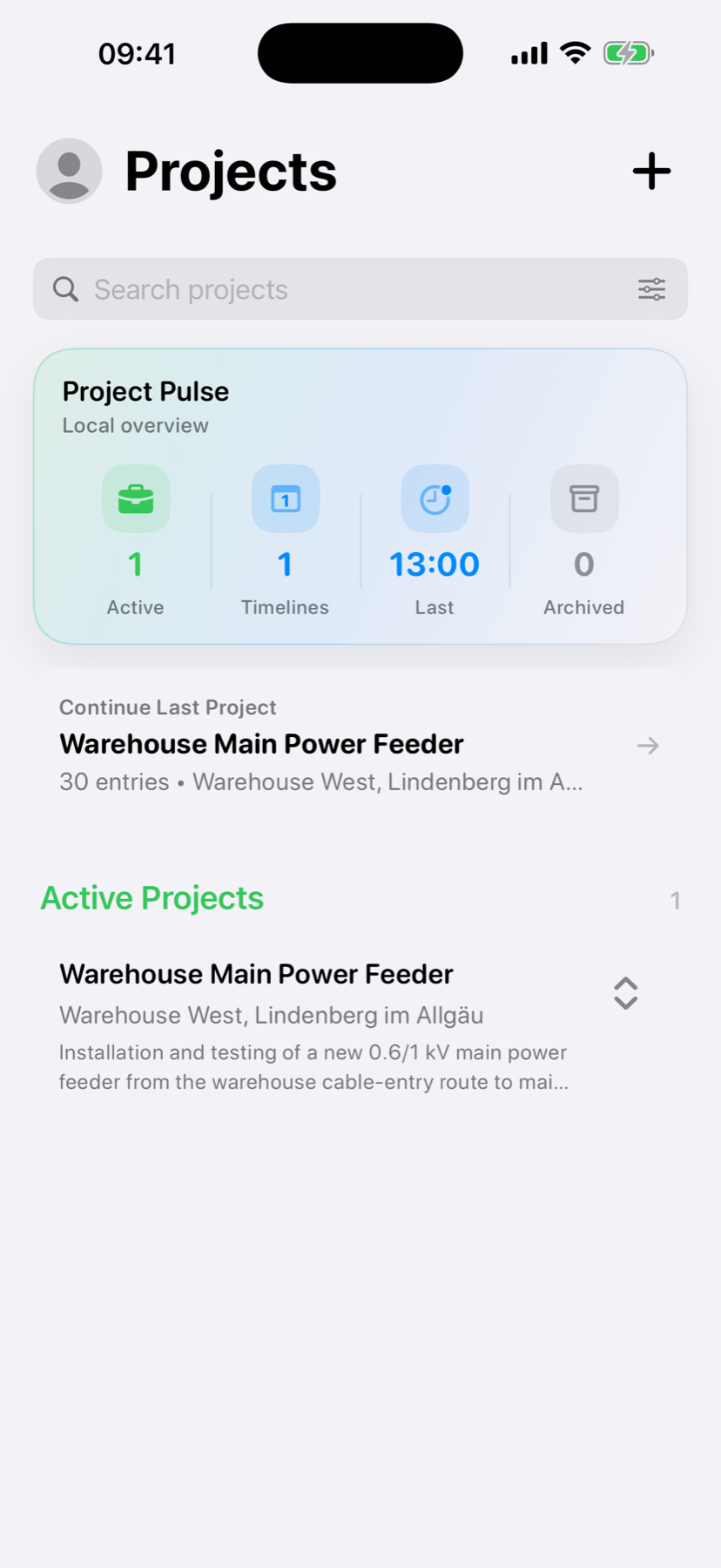
Choose the project that belongs to the work. Project information keeps each Timeline separate and recognizable.
 WerkLog
WerkLog Guide
The shortest path from opening a project to a useful work record.
Choose the project that belongs to the work. Project information keeps each Timeline separate and recognizable.
The Timeline is the main work surface. Entries appear in chronological order, so the day remains readable.
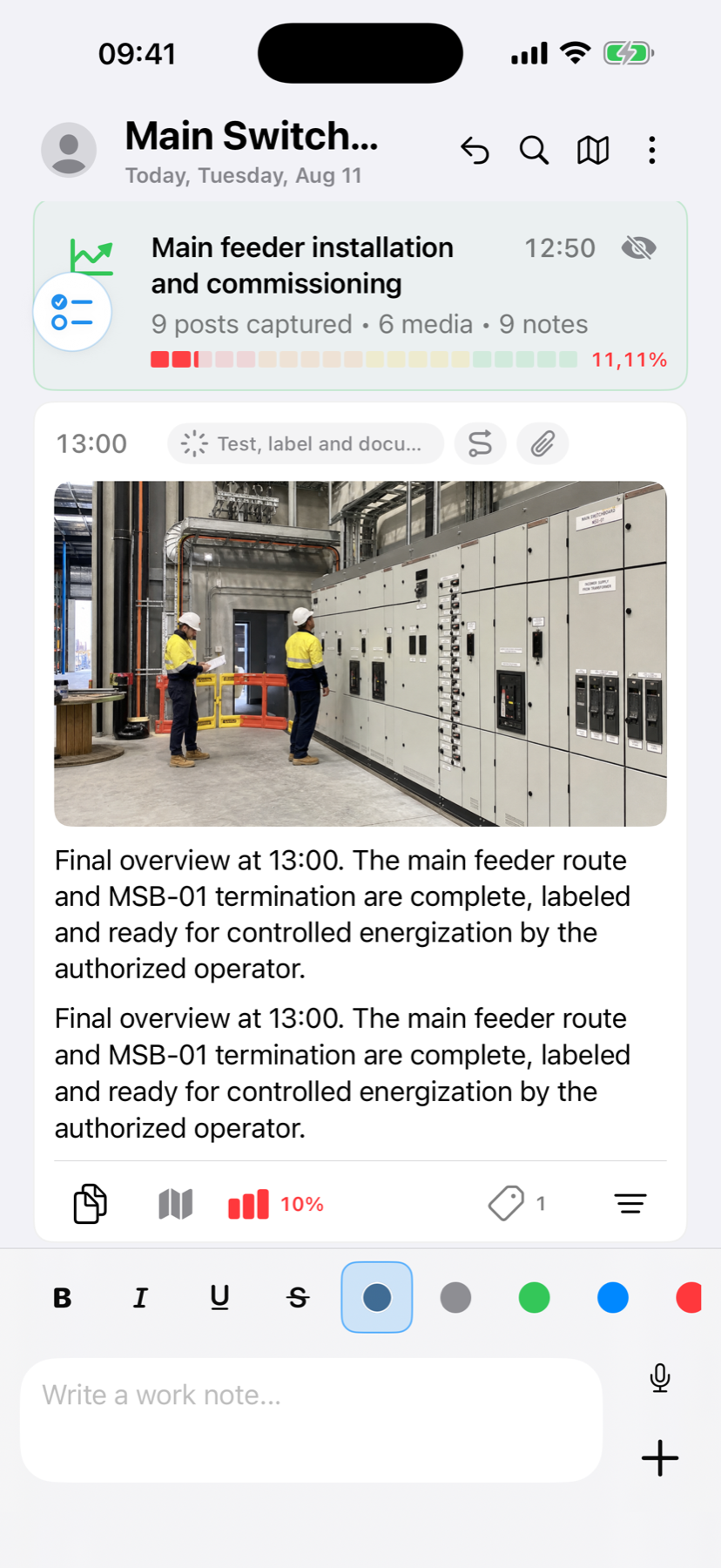
Write a note, add a photo or video, or record a voice note. Use whichever format is fastest and clearest in the moment.
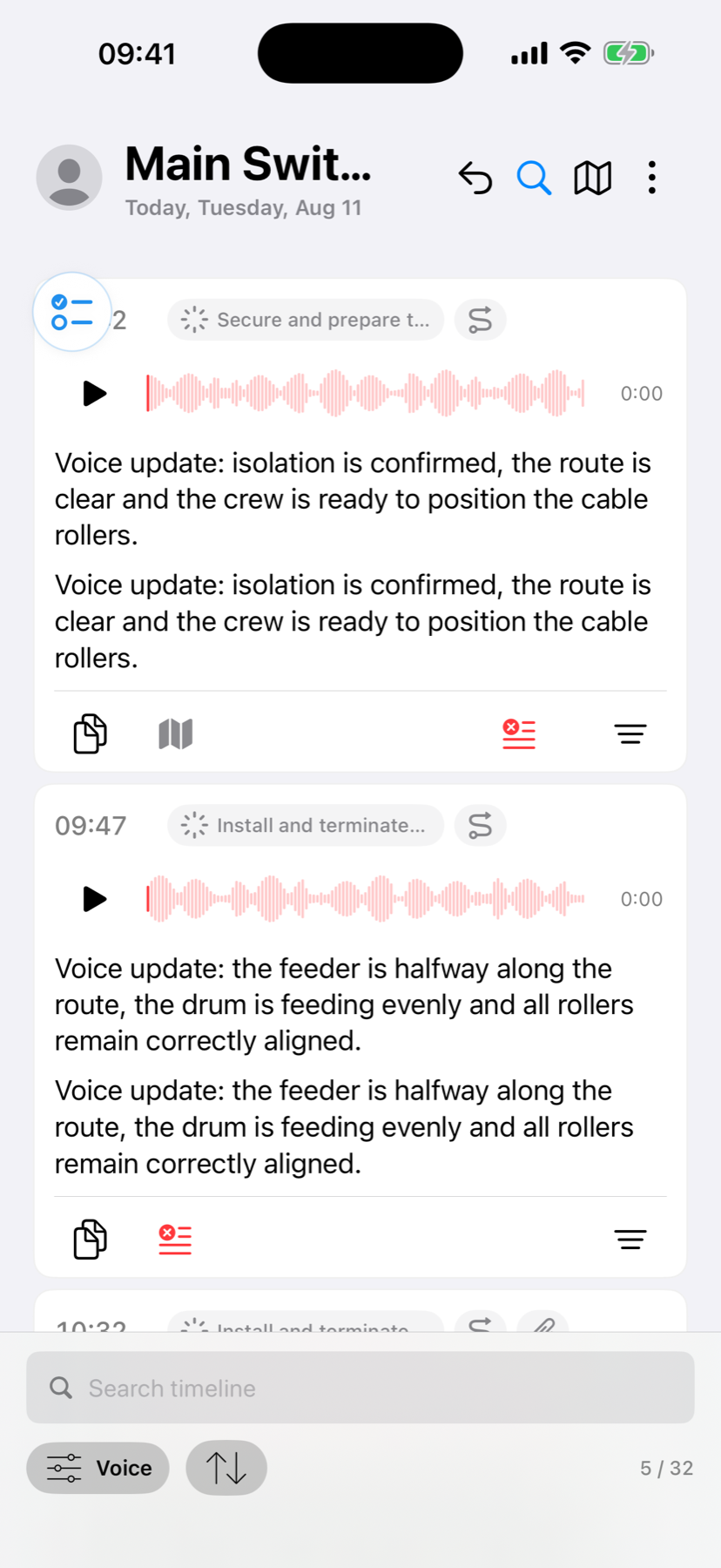
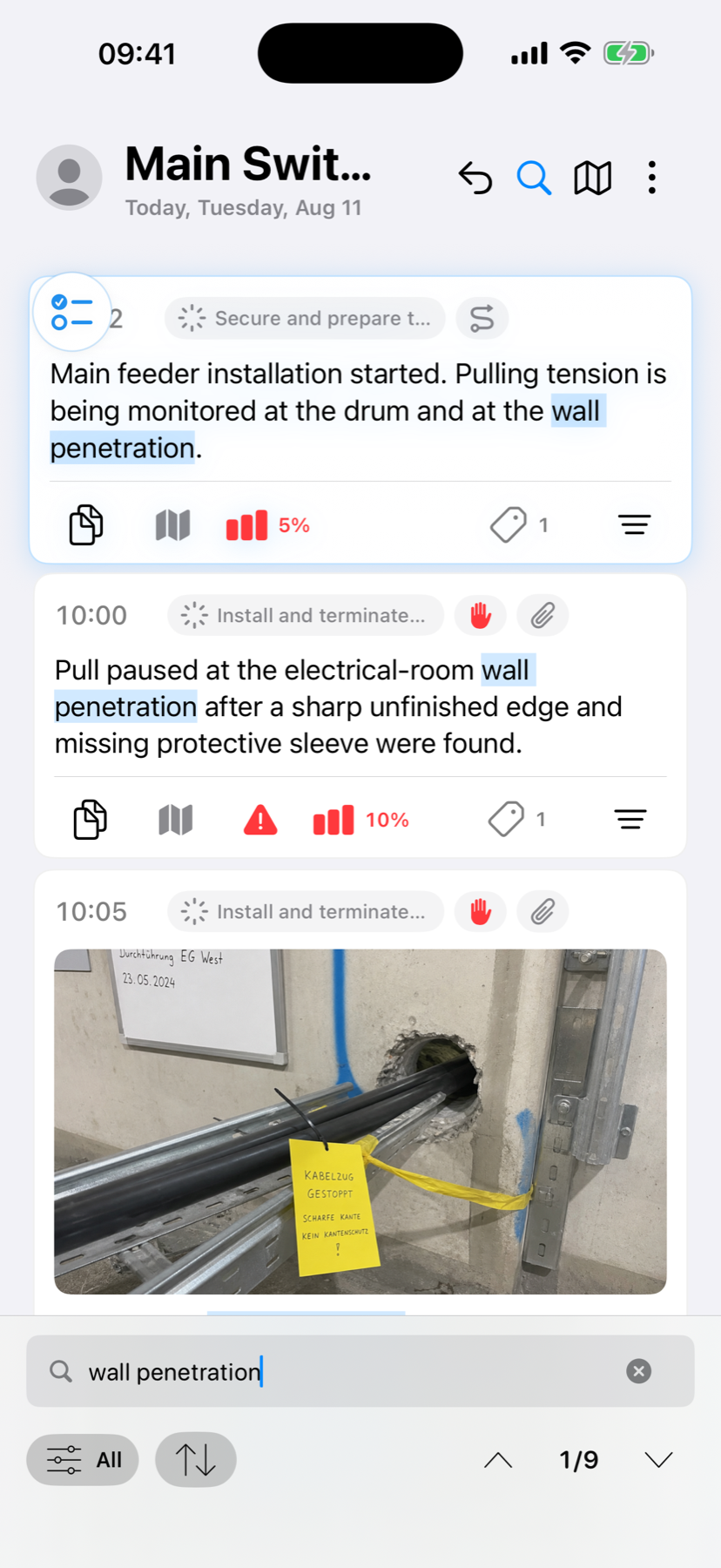
Search the Timeline, inspect entries and add optional context later. Capture does not wait for classification.